
What Is a Heat Map?
A heat map is a visual overlay that shows how visitors interact with a web page, using color to represent intensity. Warm colors like red and orange mark areas that get lots of clicks, taps, or attention. Cool colors like blue and green mark areas people mostly skip. Instead of reading rows of numbers in a report, you see behavior laid directly on top of the page itself.
Heat maps come from behavior analytics tools that record anonymized interaction data through a small script on your site. They don’t tell you why people behave a certain way, but they make it obvious where things are working and where they’re falling apart.
Why Heat Maps Matter
Standard website analytics tells you how many people visited a page and how many converted. It rarely tells you what happened in between. A heat map fills that gap. You can spot a call-to-action button nobody notices, a headline image people keep clicking because they think it’s a link, or a form that sits so far down the page that most visitors never reach it.
That visual evidence is useful for two reasons. First, it helps you form better hypotheses for testing instead of guessing. Second, it settles internal debates fast. It’s hard to argue for a cluttered hero section when the heat map shows almost no one interacting with it.
Types of Heat Maps
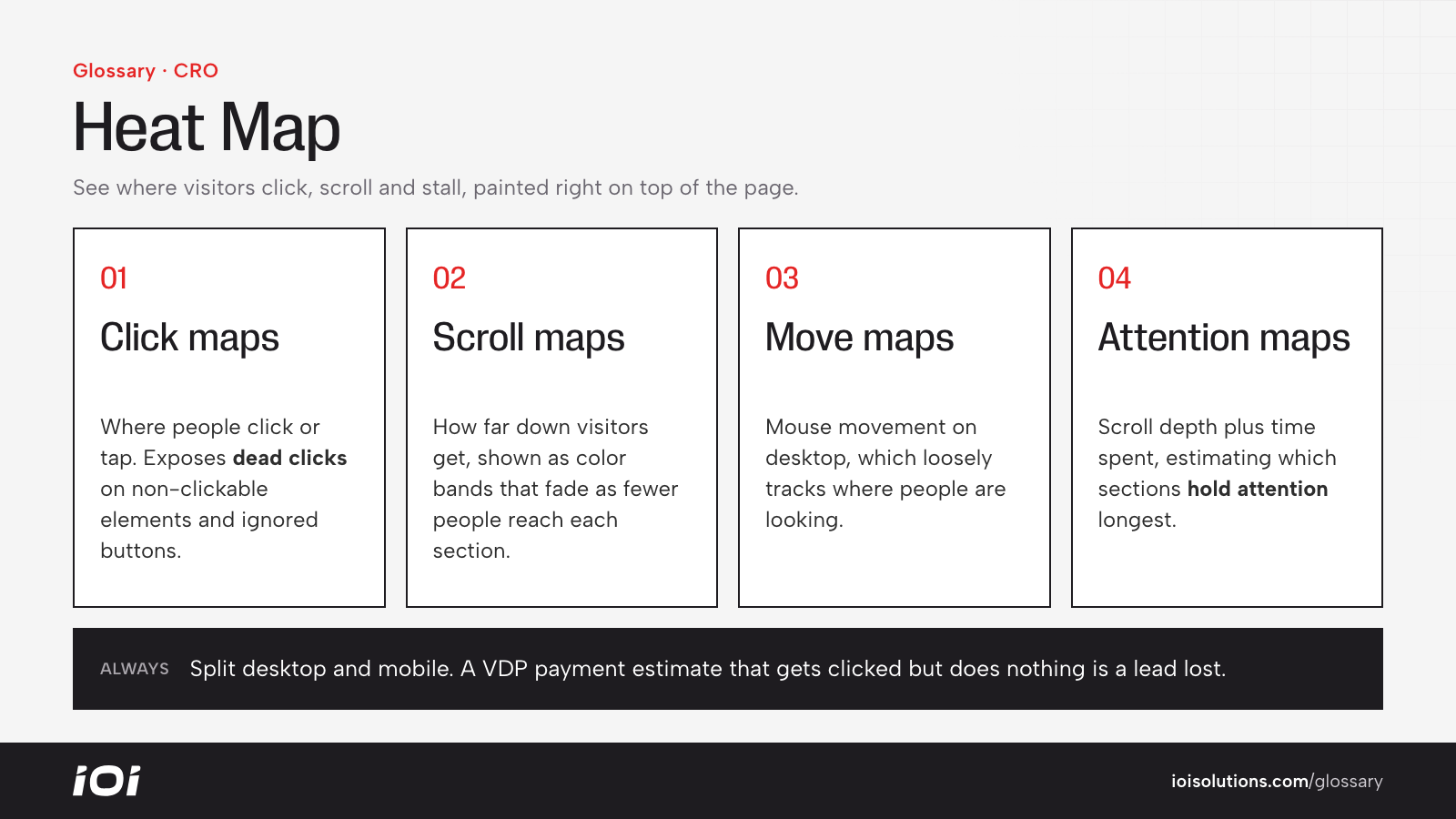
- Click (or tap) maps: Show where people click on desktop or tap on mobile. Useful for finding dead clicks on non-clickable elements and ignored buttons.
- Scroll maps: Show how far down the page visitors scroll, usually as bands of color that fade as fewer people reach each section. This tells you whether key content sits above the fold or gets lost below it.
- Move (hover) maps: Track mouse movement on desktop, which loosely correlates with where people are looking.
- Attention maps: Combine scroll depth and time spent to estimate which sections hold attention longest.
Most tools let you segment heat maps by device, traffic source, or new versus returning visitors. Always separate desktop and mobile, since the layouts and behavior differ a lot.
Heat Maps in Automotive Marketing
Automotive websites are full of high-stakes pages where small layout problems cost real leads. A few examples:
- Dealership vehicle detail pages: A dealer might find that shoppers repeatedly click the payment estimate, but the estimate isn’t interactive. Turning it into a payment calculator or a “get your real payment” button captures that intent instead of wasting it.
- Collision shop estimate pages: A body shop could discover that most mobile visitors never scroll far enough to see the photo estimate form. Moving a short form or a tap-to-call button higher on the page is an easy fix.
- Parts and accessories stores: An aftermarket brand might see heavy clicks on a fitment selector but little activity on the add-to-cart button below it, a sign the fitment results are confusing or slow.
- Service scheduling pages: Heat maps can show whether customers notice the online booking button or default to calling, which helps you decide where to invest.
Heat maps pair naturally with session recordings. When a heat map reveals an odd pattern, watching a handful of recordings usually explains it.
Best Practices
- Wait for enough data. A heat map built on a few dozen sessions is noise. Let high-traffic pages collect at least a few hundred visits before drawing conclusions.
- Segment by device. Mobile and desktop users behave differently, and most automotive traffic skews mobile.
- Focus on pages that drive revenue. Start with your top landing pages, inventory pages, and booking or quote forms.
- Use findings to build tests, not final answers. Treat what you see as a hypothesis and validate it with an A/B test that measures conversion rate.
- Re-run after redesigns. Layouts change, and so does behavior. Check heat maps again after any major page update.
- Respect privacy. Make sure your tool masks form fields and personal data, and that your privacy policy discloses behavior tracking.