
What Are Internal Links?
Internal links are hyperlinks that connect one page on your website to another page on the same domain. Your main navigation menu, footer links, breadcrumb trails, and the links inside blog posts or product descriptions are all internal links. They’re different from backlinks, which point to your site from other websites.
Internal links serve two audiences at once: people, who use them to find related information, and search engine crawlers, which use them to discover pages and understand how your site is organized.
Why Internal Links Matter
Internal linking is one of the few SEO levers you fully control. Done well, it helps in several ways:
- Discovery: Search engines find new pages largely by following links. A page with no internal links pointing to it (an “orphan page”) may be crawled slowly or not at all.
- Authority distribution: Links pass ranking signals between pages. Linking from strong pages to important but weaker pages can help those pages rank.
- Context: The anchor text of a link tells search engines what the destination page is about.
- User experience: Good internal links keep visitors moving toward relevant information and, ultimately, toward conversion.
How Internal Links Work
An internal link is a standard HTML anchor element pointing to a URL on your own domain. When a crawler lands on a page, it follows those links to find and evaluate other pages. Pages that receive many relevant internal links are treated as more important within the site.
Common types include:
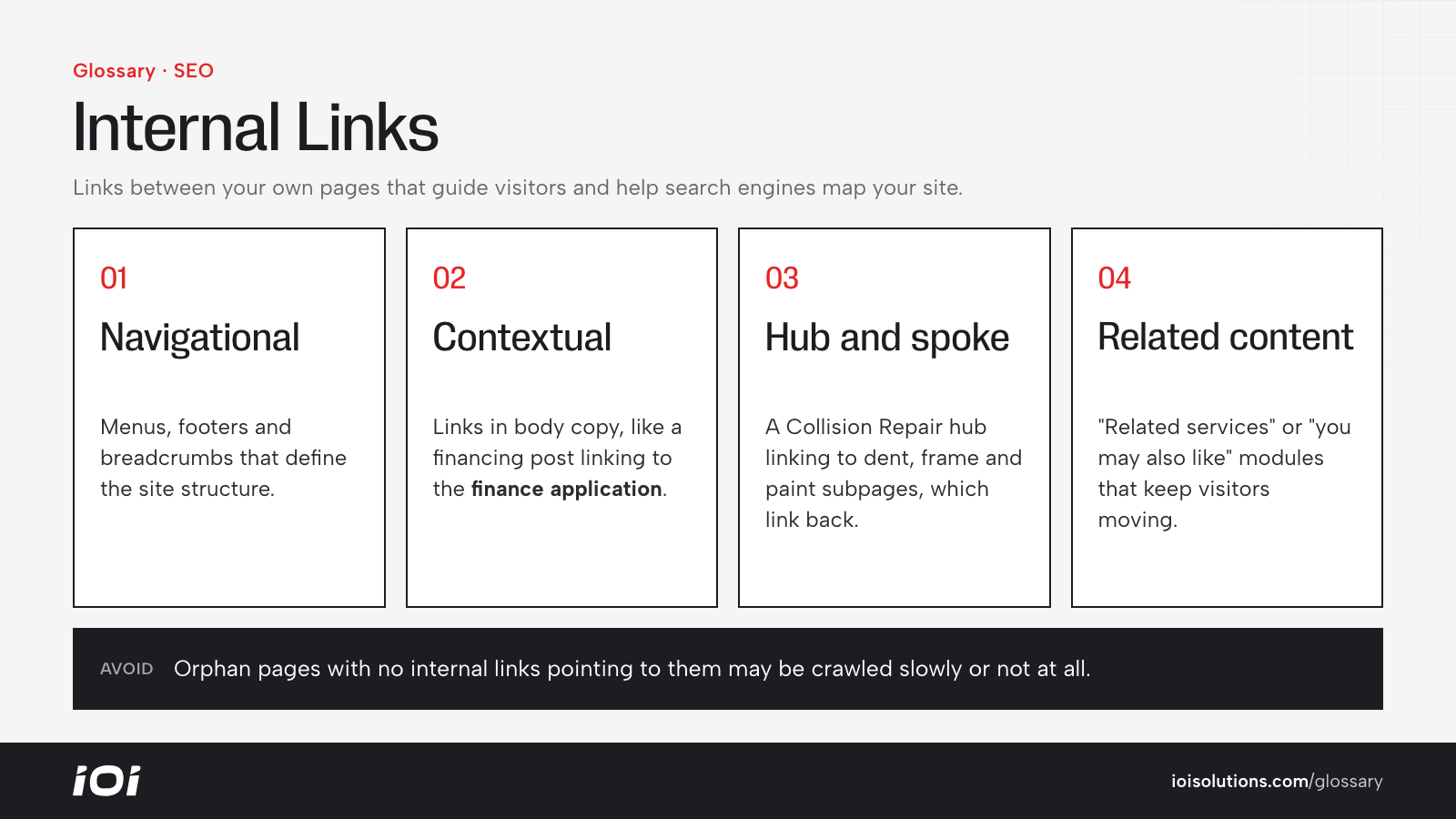
- Navigational links: menus, footers, and breadcrumbs that define the site structure.
- Contextual links: links within body content that point to related topics.
- Hub-and-spoke links: a main topic page linking to detailed subpages, which link back to the hub.
- Related content links: “you may also like” or “related services” modules.
Internal Links in Automotive Marketing
Automotive websites often have large, sprawling structures, which makes internal linking especially important:
- Dealerships: Model research pages should link to the matching new inventory results, and blog posts about financing should link to the finance application. Service content should link to the scheduling page.
- Repair and collision shops: A main “Collision Repair” page can act as a hub linking to subpages for dent repair, frame straightening, paint matching, and ADAS calibration, each linking back to the hub and to the estimate form.
- Multi-location businesses: City or location pages should link to relevant service pages, and service pages should link to nearby locations so both rank locally.
- Parts and accessories ecommerce: Vehicle-specific category pages (for example, all accessories for a specific truck) should link to subcategories and top products, while install guides should link to the exact parts mentioned.
A common problem on dealer and ecommerce sites is thousands of inventory or product pages that change constantly and are reachable only through filters or on-site search. Clear category pages, crawlable links, and an XML sitemap help prevent pages from becoming orphaned.
Best Practices
- Use descriptive anchor text. “Schedule brake service” tells users and search engines more than “click here.”
- Link from strong pages to priority pages. Your homepage and popular content should point to the pages you most want to rank.
- Find and fix orphan pages. Run a crawl to identify pages with no internal links and connect them where relevant.
- Keep it relevant. Only link where it genuinely helps the reader. Dozens of forced links dilute value and look spammy.
- Fix broken internal links. Links to deleted or moved pages waste crawl activity and frustrate visitors. Update them or redirect the old URLs.
- Keep important pages shallow. Aim for key pages to be reachable within a few clicks of the homepage.