
What Is a Content Management System (CMS)?
A content management system (CMS) is software for building and managing a website’s content. It gives you an editor for creating pages, blog posts, products and media, so you don’t have to hand-code HTML each time something changes. Popular examples include WordPress, Shopify (for ecommerce), Wix, Squarespace, Webflow and many industry-specific platforms.
A CMS typically separates content from design. Templates and themes control how pages look, while editors add and update text, images and other content inside that framework.
Why a CMS Matters
Your CMS affects how fast you can market, how well your site performs and how much control you have. It matters because it determines:
- Speed of updates: Teams can publish new offers, landing pages and content without waiting on developers.
- SEO control: Some platforms make it easy to manage title tags, meta descriptions, URLs, redirects, canonical tags and structured data, while others limit access.
- Site performance: Hosting, themes and plugins affect page speed and stability.
- Integrations: A CMS needs to connect to CRMs, booking tools, inventory feeds, analytics and ad platforms.
- Ownership and flexibility: Some platforms give you full control, while others lock you into their templates and features.
Types of Content Management Systems
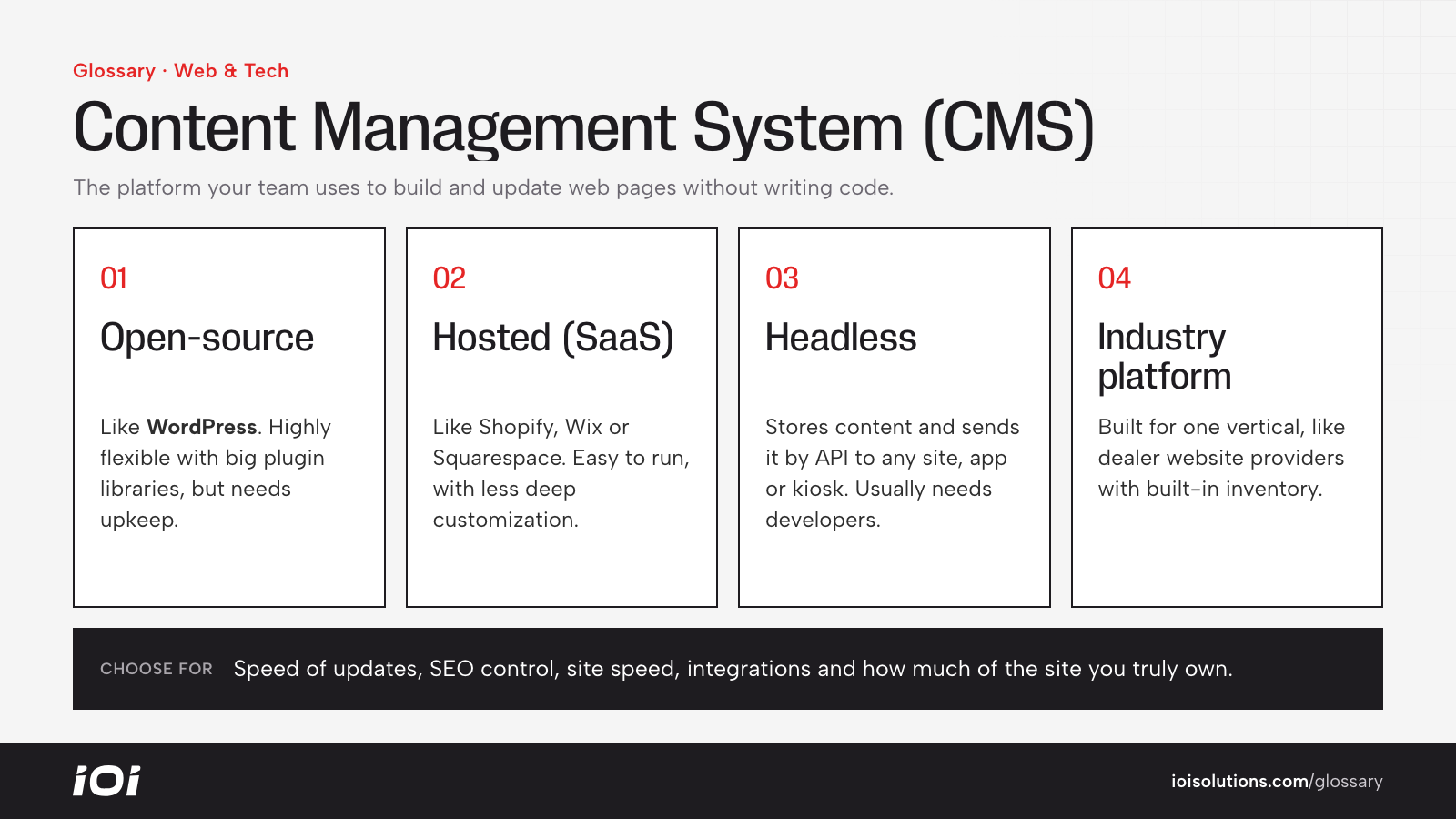
- Open-source CMS: Platforms like WordPress that you host yourself or through a host. Highly flexible, with large plugin ecosystems, but require maintenance and security updates.
- Hosted (SaaS) CMS: Platforms like Shopify, Wix and Squarespace that handle hosting and updates for you. Easier to manage, with less deep customization.
- Headless CMS: Stores content separately and delivers it through an API to any front end, such as a website, app or kiosk. Powerful for complex builds, but usually needs developers.
- Industry platforms: Purpose-built website systems for specific verticals, such as dealership website providers with built-in inventory and lead tools.
CMS in Automotive Marketing
- Dealerships: Most dealers use a dealer website platform, often tied to OEM programs, that pulls inventory automatically and includes vehicle detail pages, search pages and lead forms. The trade-off is that SEO and design control can be limited, so knowing what you can change, such as custom pages, metadata, scripts and tracking, is important.
- Repair, collision and detailing shops: WordPress and similar platforms are common, giving full control over service pages, location pages, blog content and booking integrations.
- Parts and accessories brands: Ecommerce platforms like Shopify or BigCommerce manage products, variants, fitment apps and checkout, and connect to shopping ad feeds.
- Car shows and events: A simple hosted CMS with ticketing integrations can be enough for event sites.
For example, a collision group expanding to new locations might choose a CMS that makes it easy to duplicate a location page template while still adding unique photos, reviews and local details for each shop.
Best Practices
- Choose for your goals. Pick a CMS based on the features you actually need, like inventory, booking, ecommerce or multi-location support.
- Confirm SEO access. Make sure you can edit metadata, URLs, redirects, schema markup and add tracking scripts.
- Keep it updated and secure. Apply core, theme and plugin updates, use strong access controls and maintain backups.
- Limit plugin bloat. Every extra plugin or app can slow the site and add security risk.
- Own your accounts. Keep domain, hosting and CMS admin access in the business’s name, not only a vendor’s.
- Train your team. Document how to publish pages and offers correctly so updates don’t break design or tracking.