
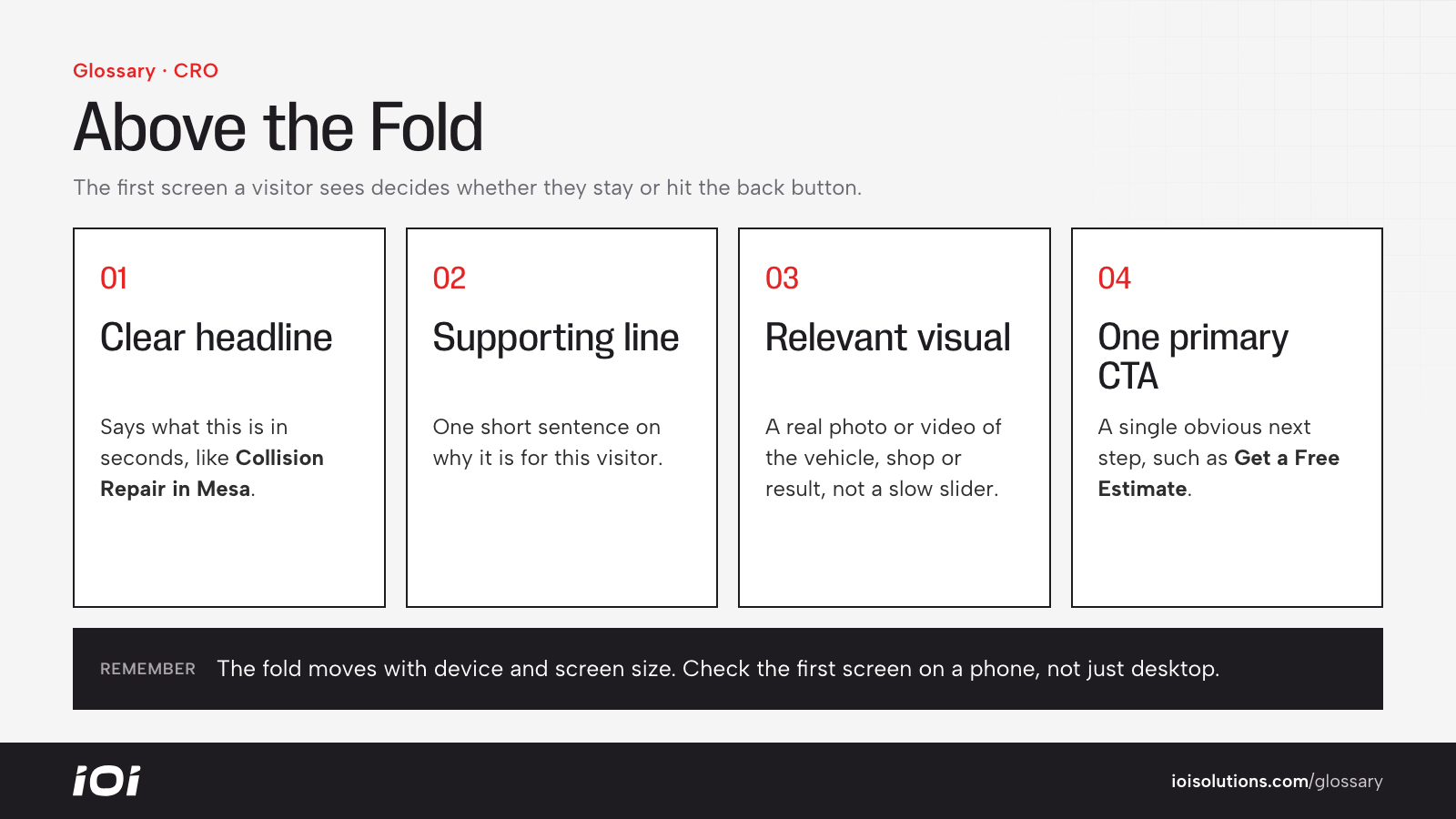
What Is Above the Fold?
Above the fold is the portion of a web page or email that is visible the moment it loads, before the visitor scrolls. The phrase comes from newspapers, where editors put the biggest stories on the top half of the front page because that was the part showing on the newsstand. Online, the “fold” is wherever the screen cuts off, and that line moves depending on the device, browser window and screen resolution.
Because there is no single fold on the web, think of it as a zone rather than a fixed pixel height. On a phone it might be a headline, one image and a button. On a wide desktop monitor it might include a full hero section, a form and a row of trust badges.
Why Above the Fold Matters
The first screen is where visitors decide whether they landed in the right place. If that space is confusing, slow or cluttered, many people leave before they ever see the rest of your page. A strong above-the-fold area answers three questions within seconds: What is this? Is it for me? What do I do next?
It also affects paid media efficiency. When you pay for a click, the first screen is the first thing that click buys. A weak first screen raises your bounce rate, drags down conversion rates and makes every campaign more expensive. Search engines also look at page experience signals, including how quickly the main content renders and whether intrusive pop-ups block it.
How Above the Fold Works
What appears above the fold depends on the viewport, which is the visible area of the browser. Key factors include:
- Device type: Mobile screens are tall and narrow, so far less fits above the fold than on desktop.
- Browser chrome: Address bars, toolbars and cookie banners all eat into visible space.
- Layout choices: Oversized hero images, sliders and navigation menus can push the important content down.
- Load order: If the first-screen content loads last, visitors see a blank or shifting page.
Good above-the-fold design usually includes a clear headline, a short supporting line, a relevant image or video, and one primary call to action. Content that needs more explanation, like detailed specs, FAQs and long reviews, belongs further down, in the area known as below the fold.
Above the Fold in Automotive Marketing
Automotive shoppers often arrive with urgent, specific intent, so the first screen has to match it immediately.
- Dealerships: A model-specific landing page for a truck promotion should show the actual truck, the offer and a “View Inventory” or “Check Availability” button right away, not a generic rotating banner about the dealer group.
- Collision and body shops: Someone who was just in an accident wants to know if you work with their insurer and how to get an estimate. A tap-to-call button, an “Upload Photos for an Estimate” option and insurance-friendly language belong on the first screen.
- Repair and tire shops: Hours, location, a booking button and a phone number should be visible on mobile without scrolling.
- Parts and accessories brands: A year/make/model fitment selector above the fold helps shoppers confirm a part fits before they lose interest.
For example, a detailer running ads for ceramic coating might put a before-and-after image, a starting price and a “Get a Quote” button in the first screen, then use the rest of the page for packages, process and reviews.
Best Practices
- Design mobile first. Most local automotive searches happen on phones, so check the first screen on common phone sizes before desktop.
- Match the ad or search intent. The headline above the fold should echo the promise that earned the click.
- Use one primary action. Competing buttons create hesitation. Pick the action that matters most and make it obvious.
- Keep it fast. Compress hero images and avoid heavy sliders so the first screen renders quickly.
- Add a trust signal. A review rating, certification badge or warranty mention near the call to action reduces doubt.
- Don’t cram everything in. People do scroll when the first screen gives them a reason to. Clarity beats density.